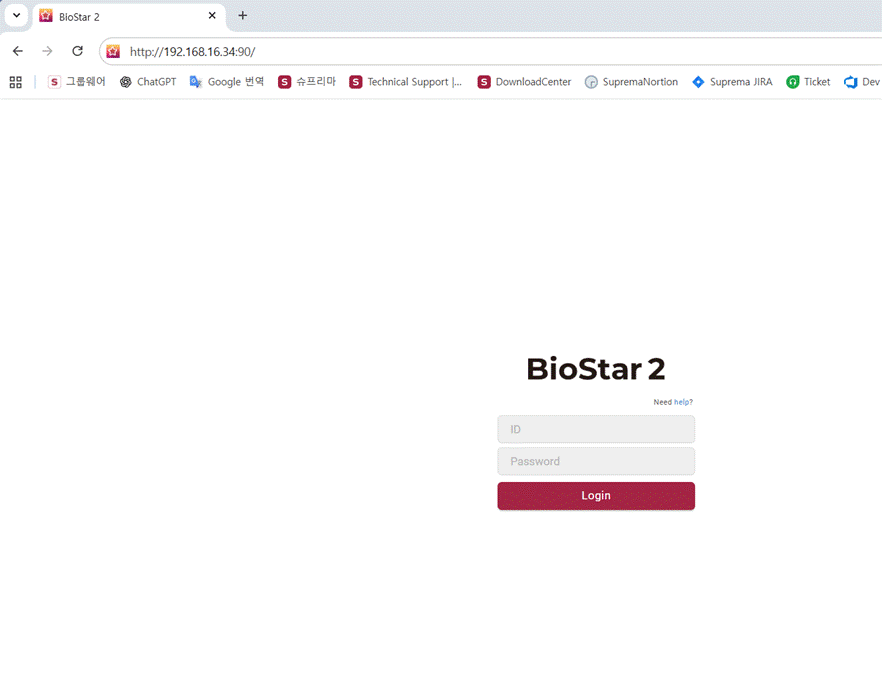
The BS2 connection fail is due to change the “https connection” to “http connection”
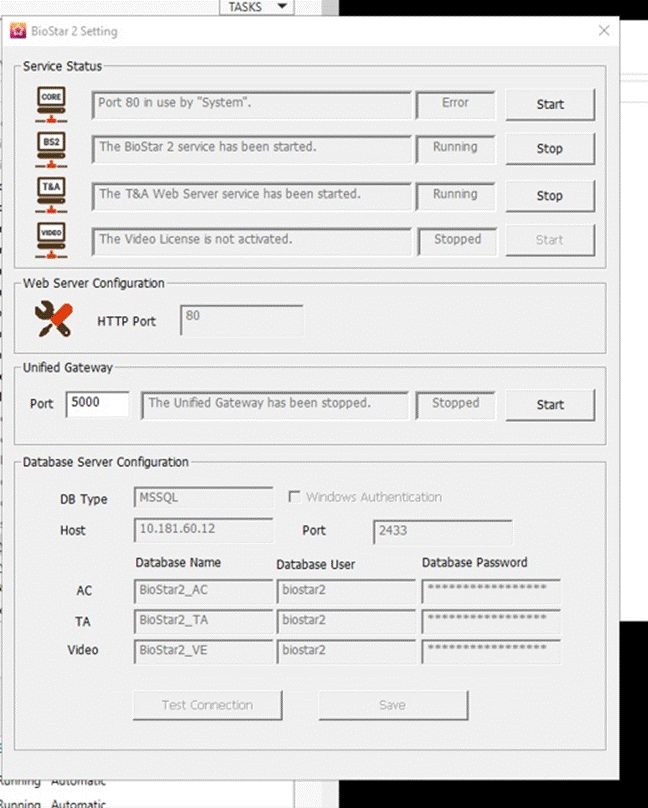
You may change the setting on the ‘sever’ from https to http.

When you check the setting.conf file (C:\Program Files\BioStar 2(x64)\logs), you will see it.
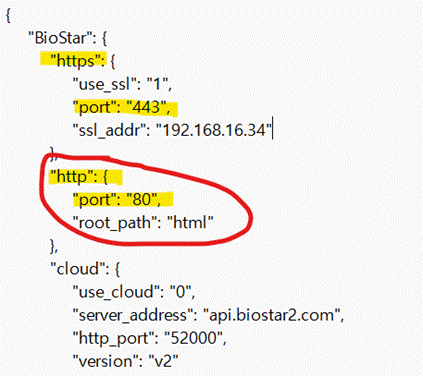
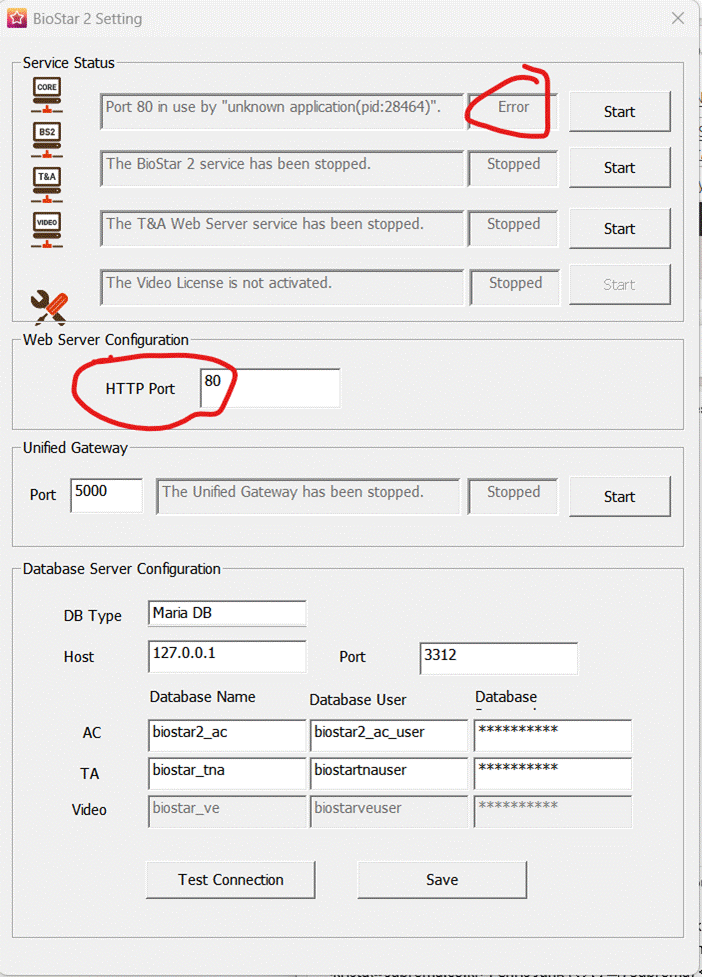
To access on the http setting the BS2,
1. Change the port as possible connection such as port 90
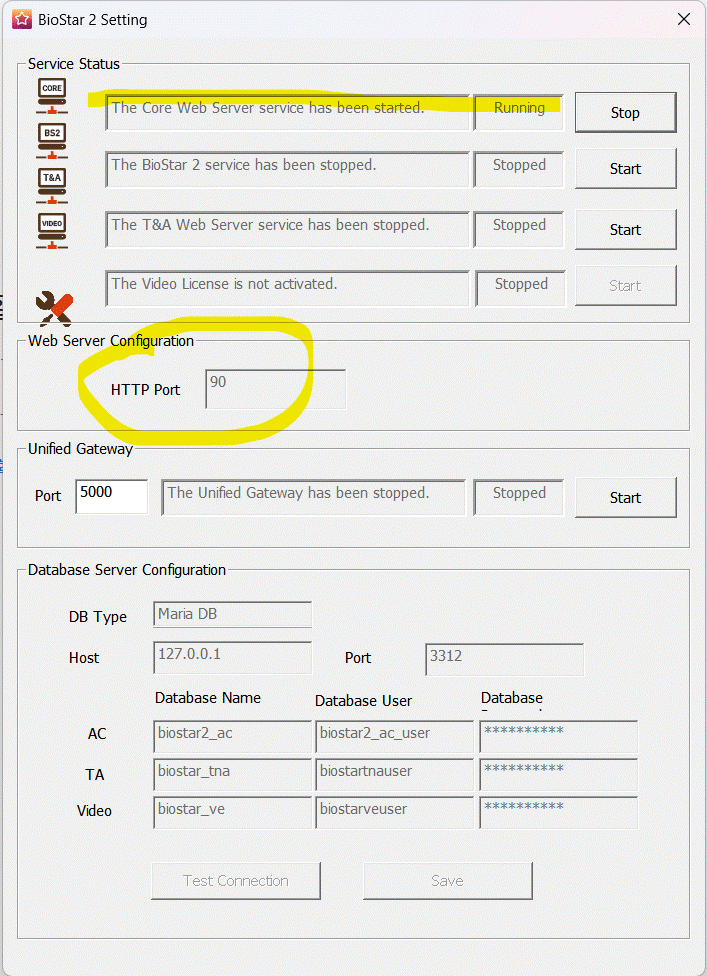
2. now you can access with