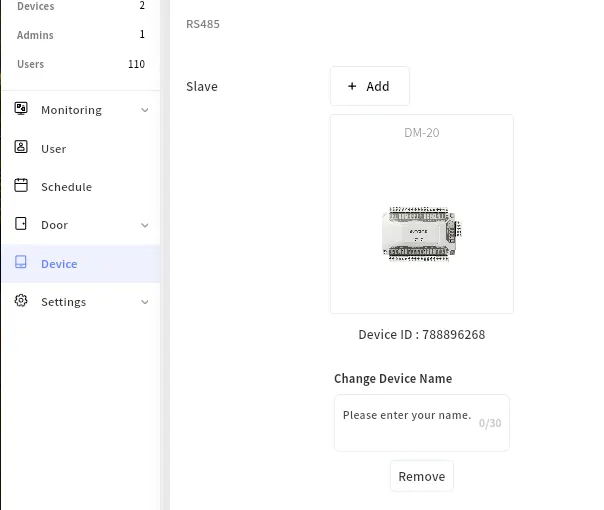
For CLUe, door configuration is mandatory.
If no door is configured, communication with the server—including user synchronization—may not function properly.
Therefore, door configuration is required before starting the service.
How to Set a Door
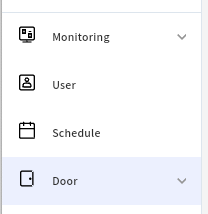
1. Go to Place -> Door Menu
Enter door name and select door relay and exit button and necessary setttings.
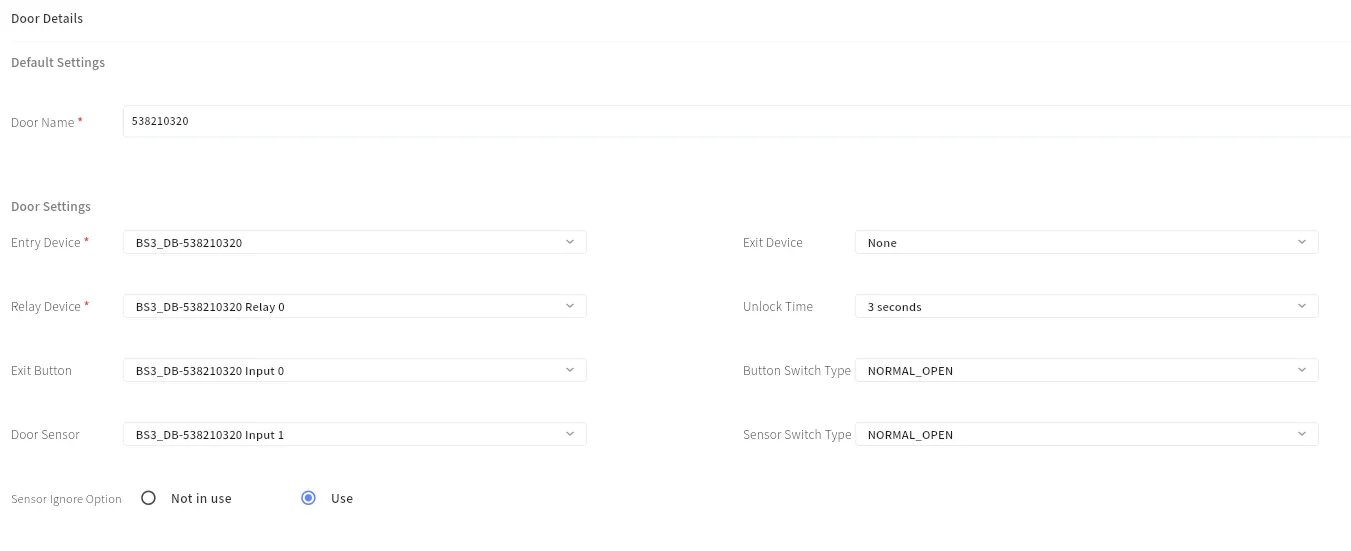
What is Sensor Ignore Option?
When it’s set to “Use”, door relay switches its status after a lock time regardless of door sensor status. When it’s “Not in Use”, the relay does not switch back when the open door sensor status is detected. This option is necessary to be used to configure a automatic door.
How to Use Slave Device Relay(SIO2, DM-20, DI-24)
When using an RS485 slave device such as SIO2 and DM-20, it must be assigned to a place like a regular device. Additionally, the slave device must be added to the master device.
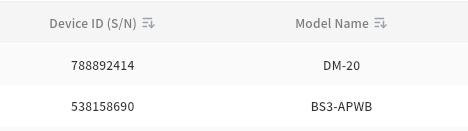
Please check the slave device from the device list.

Please select the master device and add a connected slave device. Then, you can use a slavce device relay and input ports.