
Symptom:
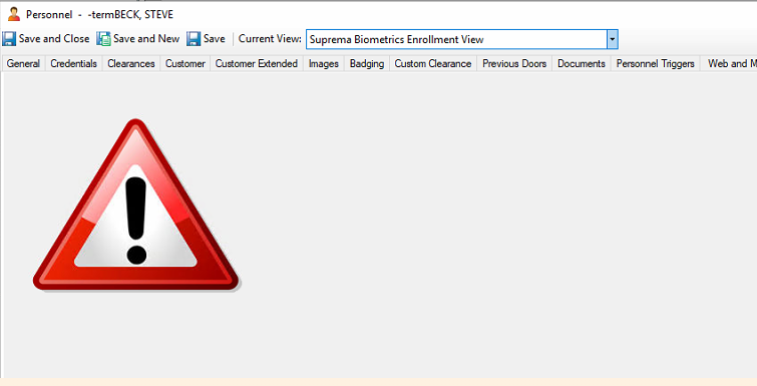
What you need to check:
1. Are the Suprema plugin DLLs in the Crossfire and CCURE Client directories?
2. Is the Suprema Biometrics Integration license installed?
1. Are the Suprema plugin DLLs in the Crossfire and CCURE Client directories?
Sometimes, antivirus or security software blocks configuration tasks, preventing the necessary DLLs from being copied to the C•CURE directories. The default installation directories are:
C:\Program Files (x86)\Tyco
For up to CCURE 3.0
From CCURE 3.10 onwards the default installation directory has changed to:
C:\Program Files (x86)\JCI
NOTE: You might need to check other locations if you did not install CCURE (client or server) in the default locations.
DEFAULT INSTALLATION LOCATION\Crossfire for server
DEFAULT INSTALLATION LOCATION\CCURE Client for the Administration Workstation
Inside the CCURE Server Installation location (Crossfire directory) you need to check the DLL file called:
SoftwareHouse.CrossFire.SupremaPersonnelControl.Data.dll
for integration versions 2.6.x
and for:
SDG.SnS.SupremaPersonnelControl.Data.dll
for integration versions 2.7.x
Inside the Administration Workstation Installation location (CCURE Client) you need to check the DLL files called:
SoftwareHouse.CrossFire.SupremaPersonnelControl.Data.dll
SoftwareHouse.CrossFire.SupremaPersonnelControl.Client.Component.dll
for integration versions 2.6.x
and for:
SDG.SnS.SupremaPersonnelControl.Data.dll
SDG.SnS.SupremaPersonnelControl.Client.Component.dll
for integration versions 2.7.x
NOTE: if you did not install CCURE in the default locations the DLL files may be there, then you need to move them to the location where you installed CCURE (Client or Server accordingly)
2. Is the Suprema Biometrics Integration license installed?
2.1 Can you visualize the license inside CCURE About?
You can check this using the CCURE License Manager:
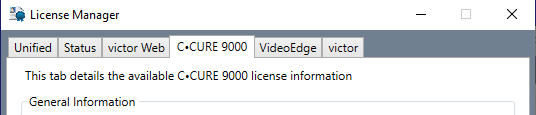
down in the

You might need to locate the "Suprema - Biometrics - Integration" license, if this is not present you might need to contact your Software House Sales representative to acquire such license.
2.2 Is the entry located in the CCURE database?
Check ACVSCore DB in SQL, look for table dbo.LicenseOption, look for the "Suprema Biometrics Integration" registry among the existing rows.
If not there you can open a ticket and request our support team to deploy the necessary steps to accomplish this.