
Symptom:
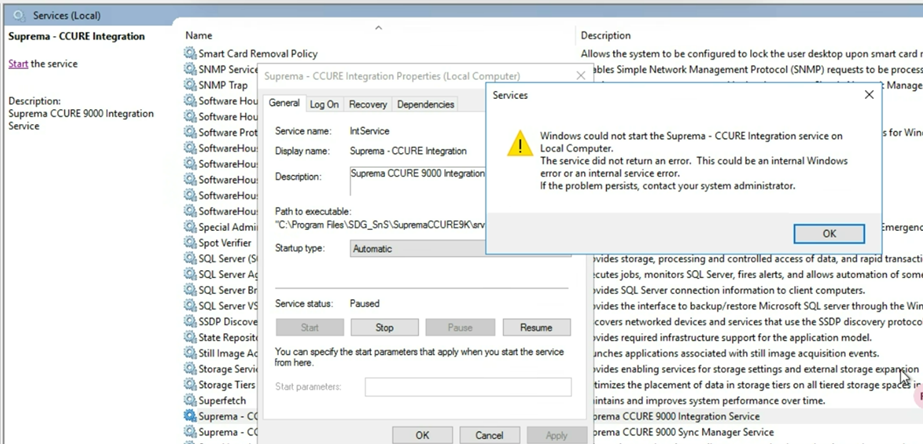
When in the Windows Services console, the "Suprema - CCURE Integration service" shows as Paused, or when trying to start it shows the following error:
Reason:
the Integration's internal process manager gets out of sync with the Windows Services console.
Solution:
- Stop the Suprema – CCURE Integration Service
- Run cmd as administrator.
- Windows + R
- Enter ‘cmd’
- Ctrl+Shift+Enter
- Typing the command pm2 kill
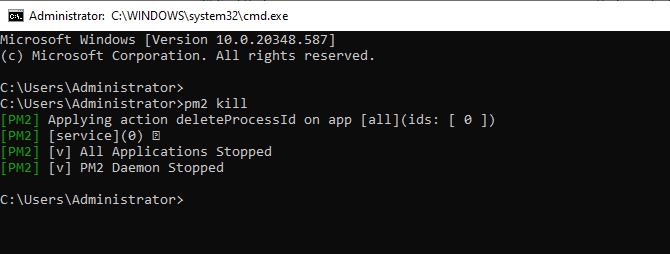
- Restart the Suprema – CCURE Integration Service using the Windows Services console.
- Now the service should run normally.
If the problem persist please open a ticket using: https://support.supremainc.com and our tech personnel will assist you further.